Strategy before pixels
I start with the story and the strategy: who it’s for, what it has to prove, and the real content, in my voice.
I tried a lot of tools and a lot of ways to work, then I defined the workflow that fits me, for now. I designed and built this portfolio with AI as a system: the foundation, the guidelines, and the direction in every decision and detail.
Now I help other designers discover and define their own, so they adopt it.
I start with the story and the strategy: who it’s for, what it has to prove, and the real content, in my voice.
A living record: decisions, my style, the dos and don’ts. Nothing lives only in my head.
See the record →I turn the work into a plan and a checklist I can track.
One source of truth: tokens, rules, my style, and the guardrails everything else is built on.
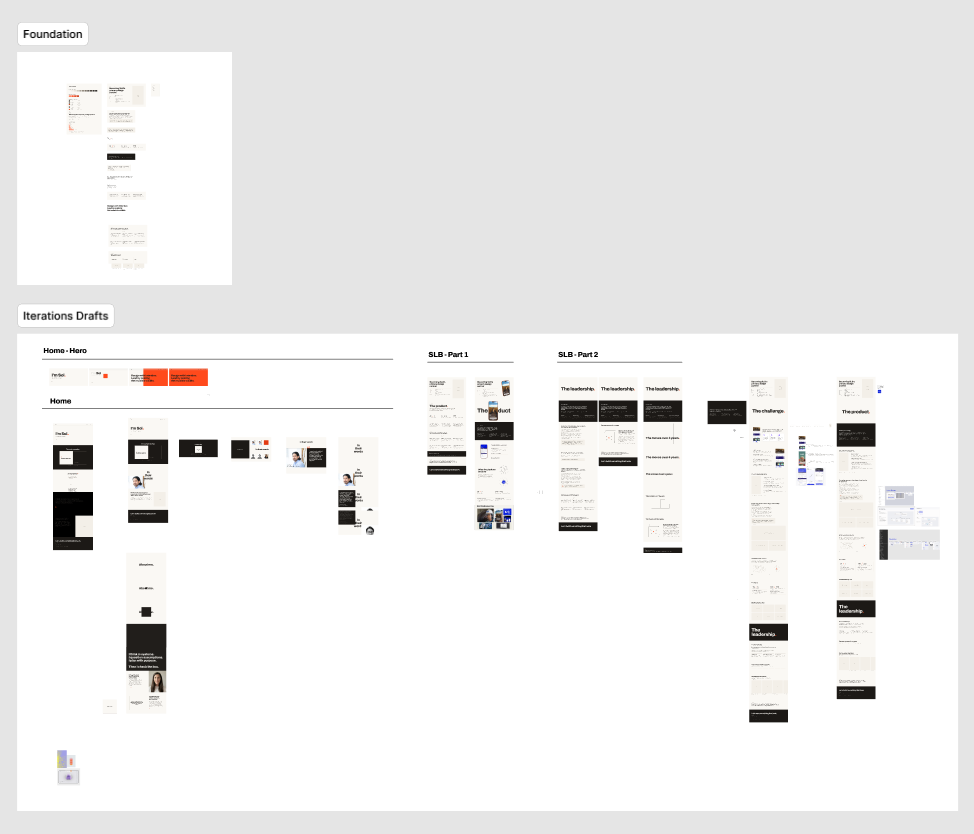
AI translates the direction into Figma through the design MCP, so options come fast. I draft on top and decide with judgment: layout, overall design, details.
See it in Figma →I don’t just accept the output. I question it, push back, and ask AI to critique my thinking. The good work comes from the back-and-forth.
Each section gets its own focused build: layout first, then the transitions and microinteractions.
3D models on scroll, motion tied to the scroll, mouse interactions. The parts that make it feel real.
You’re looking at the result.
AI is a verb, never a noun. The noun is always the design problem